Best resolution-focused AI customer service software for 2026
Discover how resolution-focused AI customer service software helps you resolve issues faster, improve agent efficiency, and reduce operational costs.



Candace Marshall
Vice President, Product Marketing, AI and Automation
Senast uppdaterad May 18, 2026
What is resolution-focused AI customer service software?
Resolution-focused AI customer service software uses AI to resolve customer issues end-to-end. It combines AI agents, automated workflows, and connected data to complete requests without handoffs. Traditional tools prioritize ticket handling and response speed, while modern platforms focus on solving issues in a single interaction. For example, AI can verify an account, apply a fix, and confirm the resolution instantly.
81% of consumers believe AI is now essential to customer service, according to the 2026 Zendesk CX trends report. Yet most support experiences still fall short, as many tools respond quickly but fail to resolve issues end-to-end. Customers get stuck in loops or wait on agents, highlighting a growing gap between response and resolution that CX leaders must close.
To address this, the industry is shifting to resolution-focused AI customer service software. These platforms don’t just generate replies. Instead, they take action, complete workflows, and fix problems in a single interaction. The result is faster resolutions, lower costs, and more consistent customer experiences
In this guide, we break down how to evaluate these resolution-focused platforms, from core capabilities and performance metrics to tradeoffs and real-world limitations. By the end, you’ll know which tools actually resolve customer issues and how to choose the right one for your business needs
More in this guide:
- Resolution-focused AI customer service software comparison chart
- The 8 best resolution-focused AI customer service solutions
- Features of resolution-focused AI customer service software
- Benefits of using resolution-focused AI customer support tools
- How to choose the right resolution-focused AI customer service solution
- Frequently asked questions
- Automate customer service with Zendesk Resolution Platform
AI customer service software comparison chart
Compare how the leading resolution-focused AI customer service platforms perform across key criteria like resolution capability, automation depth, and cost efficiency. This quick overview highlights how each solution handles end-to-end issue resolution.
Use the chart below to identify the platforms that best match your needs, then explore the detailed vendor breakdowns for a deeper evaluation.
|
Software |
Best for |
Starting price |
Free trial |
|
Zendesk |
AI-enabled resolutions at scale |
$19 per agent/month (billed annually) |
14 days |
|
Freshdesk |
Growing teams adopting AI automation |
$19 per agent/month |
14 days |
|
Zoho Desk |
Highly customizable support workflows |
$7 per agent/month |
15 days |
|
Help Scout |
Simple, email-first support |
$25 per user/month |
15 days |
|
Front |
Shared inbox collaboration |
$25 per user/month |
14 days |
|
Lorikeet |
Multi-step workflows |
$1,500 per month (paid annually) |
Unavailable |
|
Gladly |
Conversation-led retail support |
Custom pricing |
Unavailable |
|
Gorgias |
Ecommerce customer support |
$10 per agent/month |
7 days |
The 8 best resolution-focused AI customer service solutions
Below, we break down the top resolution-focused AI customer service platforms based on how effectively they resolve issues end-to-end. Each solution is evaluated on its ability to automate workflows, support agents, and deliver faster, more complete resolutions.
- Zendesk: Best for AI-enabled resolutions at scale
- Freshdesk: Best for growing teams adopting AI automation
- Zoho Desk: Best for highly customizable support workflows
- Help Scout: Best for simple, email-first support
- Front: Best for shared inbox collaboration
- Lorikeet: Best for multi-step workflows
- Gladly: Best for conversation-led retail support
- Gorgias: Best for ecommerce customer support
1. Zendesk
Best for AI-enabled resolutions at scale
|
Starting price |
Free trial |
Key features |
|
$19 per agent/month billed annually Explore more Zendesk pricing plans. |
14 days |
|
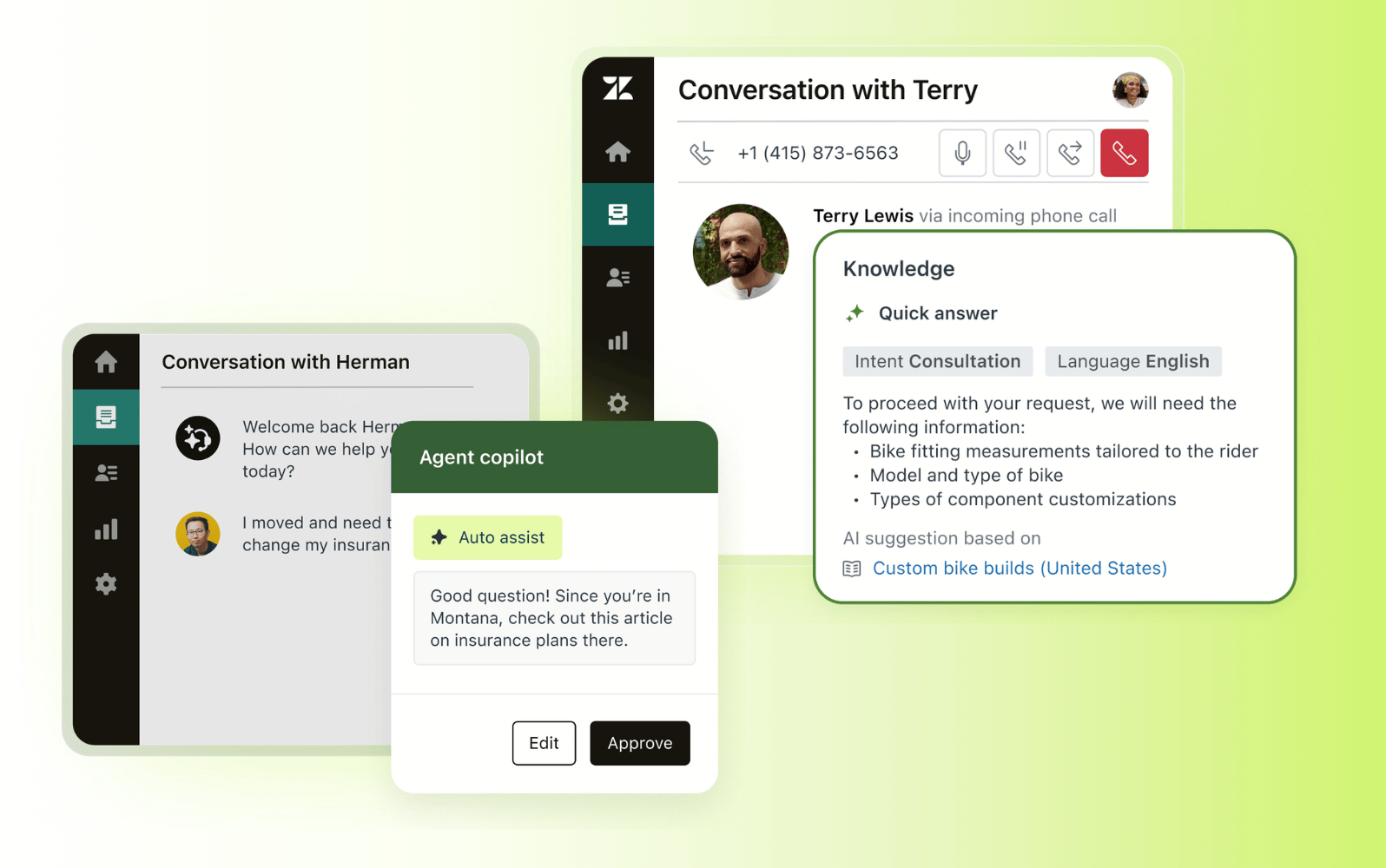
Designed for organizations that need to resolve customer issues quickly and consistently, Zendesk brings AI, workflows, and data into a unified platform. It supports omnichannel service across voice, chat, email, and messaging, while connecting customer context, knowledge, and automation in a single workspace. This allows teams to move beyond fragmented tools and deliver complete resolutions without unnecessary handoffs.
Its AI capabilities span the full resolution lifecycle. AI agents handle routine and complex requests autonomously, while AI Copilot supports agents with real-time guidance and workflow execution. Intelligent routing ensures every issue reaches the right place instantly, and a connected knowledge system provides accurate, up-to-date answers across interactions. To improve resolution outcomes over time, built-in quality assurance and analytics continuously monitor performance and surface insights.
Together, these capabilities form a system that improves resolution speed, increases first contact resolution, and lowers cost per resolution. By combining automation, guidance, and continual improvement, Zendesk enables teams to scale support operations while maintaining consistent, high-quality service. Explore how Zendesk powers faster, more complete resolutions across every channel.
|
Pros |
Cons |
|
|
What people are saying:
- "Centralized support with superior AI and reporting" - Verified user, G2.
- "Effortless customer interactions and reporting. The initial setup was very easy." - Verified user, G2.
- "Zendesk keeps every customer message in one place with strong analytics and AI replies" - Verified user, G2.
2. Freshdesk
Best for growing teams adopting AI automation
|
Starting price |
Free trial |
Key features |
|
$19 per agent/month |
14 days |
|
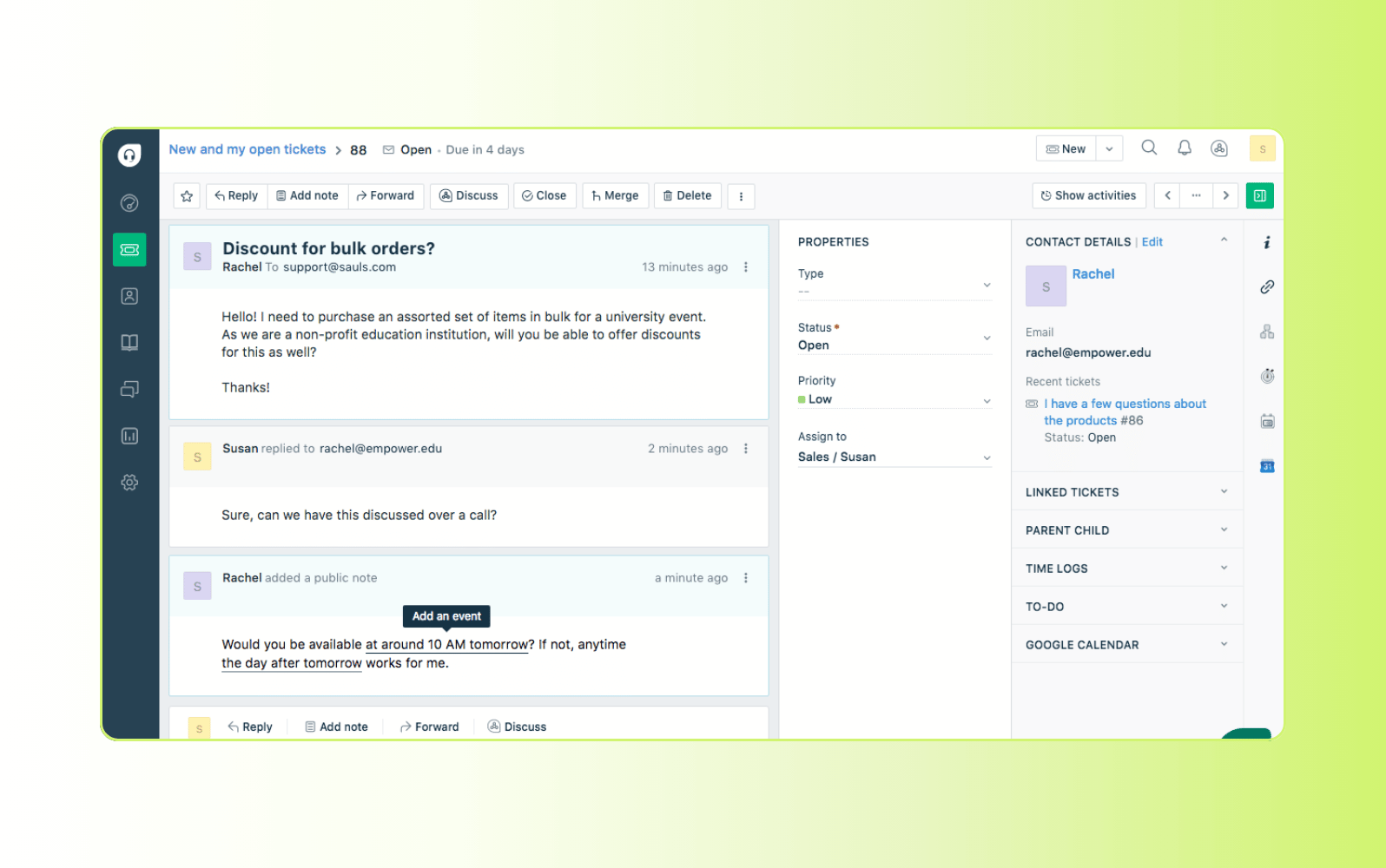
Designed for teams scaling customer support operations, Freshdesk combines automation with a flexible ticketing system. It supports multiple channels, including email, chat, and voice, and provides built-in tools for managing requests, tracking performance, and maintaining service levels as volumes grow.
Its AI features help automate routine tasks, route tickets efficiently, and assist agents with faster responses. The platform also includes SLA management and reporting tools to help teams monitor performance and maintain consistency. While it provides solid automation capabilities, more complex, multi-step resolutions may still require agent involvement or additional configuration to execute fully.
|
Pros |
Cons |
|
|
What people are saying:
- "Basic ticketing with ease of use, lacks comprehensive features." - Verified user, G2.
- "Pricing for small businesses is reasonable, still leaves a lot to be desired" - Verified user, G2.
- "Freshdesk covers most basic needs from a piece of software you would expect." - Verified user, G2.
Learn more: Compare Zendesk vs Freshdesk.
3. Zoho Desk
Best for highly customizable support workflows
|
Starting price |
Free trial |
Key features |
|
$7 per agent/month |
15 days |
|
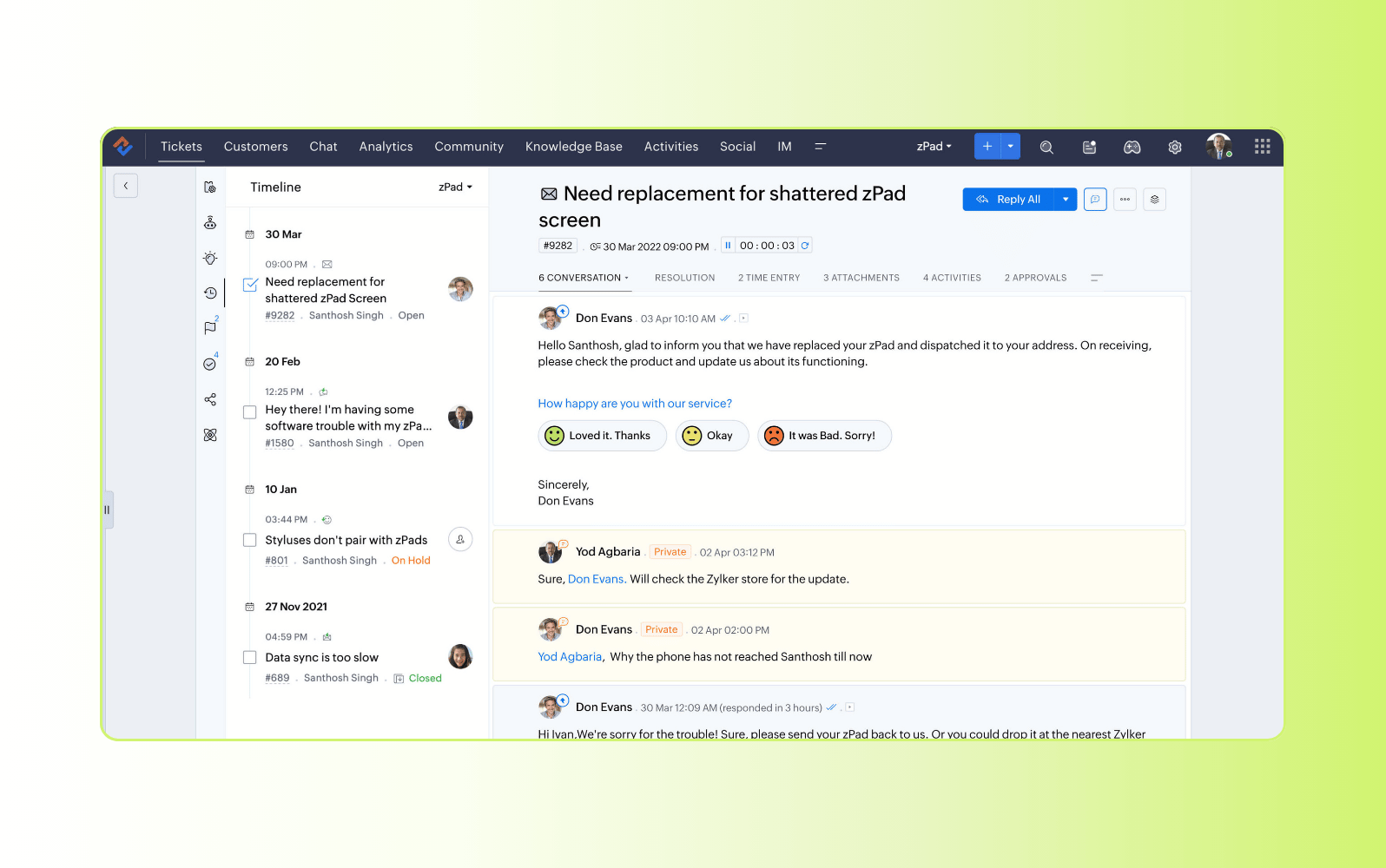
Built for organizations that need control over their support operations, Zoho Desk offers a highly customizable platform with deep integration across the Zoho ecosystem. It supports multiple channels and provides tools for managing tickets, automating workflows, and tracking performance across teams, making it suitable for businesses with complex requirements.
Its AI capabilities help surface insights, suggest responses, and streamline ticket handling. The platform also includes advanced reporting and automation features that allow teams to tailor processes to their needs. However, more complex configurations can require time, technical expertise, and ongoing management to maintain efficiency at scale.
|
Pros |
Cons |
|
|
What people are saying:
- "Solid ticketing, but integrations and AI need improvement" - Verified user, G2.
- "Affordable and scalable ticketing, but the interface feels dated." - Verified user, G2.
- "Good Zoho ecosystem fit, but customization isn’t very user-friendly." - Verified user, G2.
Learn more:Compare Zendesk vs. Zoho.
4. Help Scout
Best for simple, email-first support
|
Starting price |
Free trial |
Key features |
|
$25 per user/month |
15 days |
|
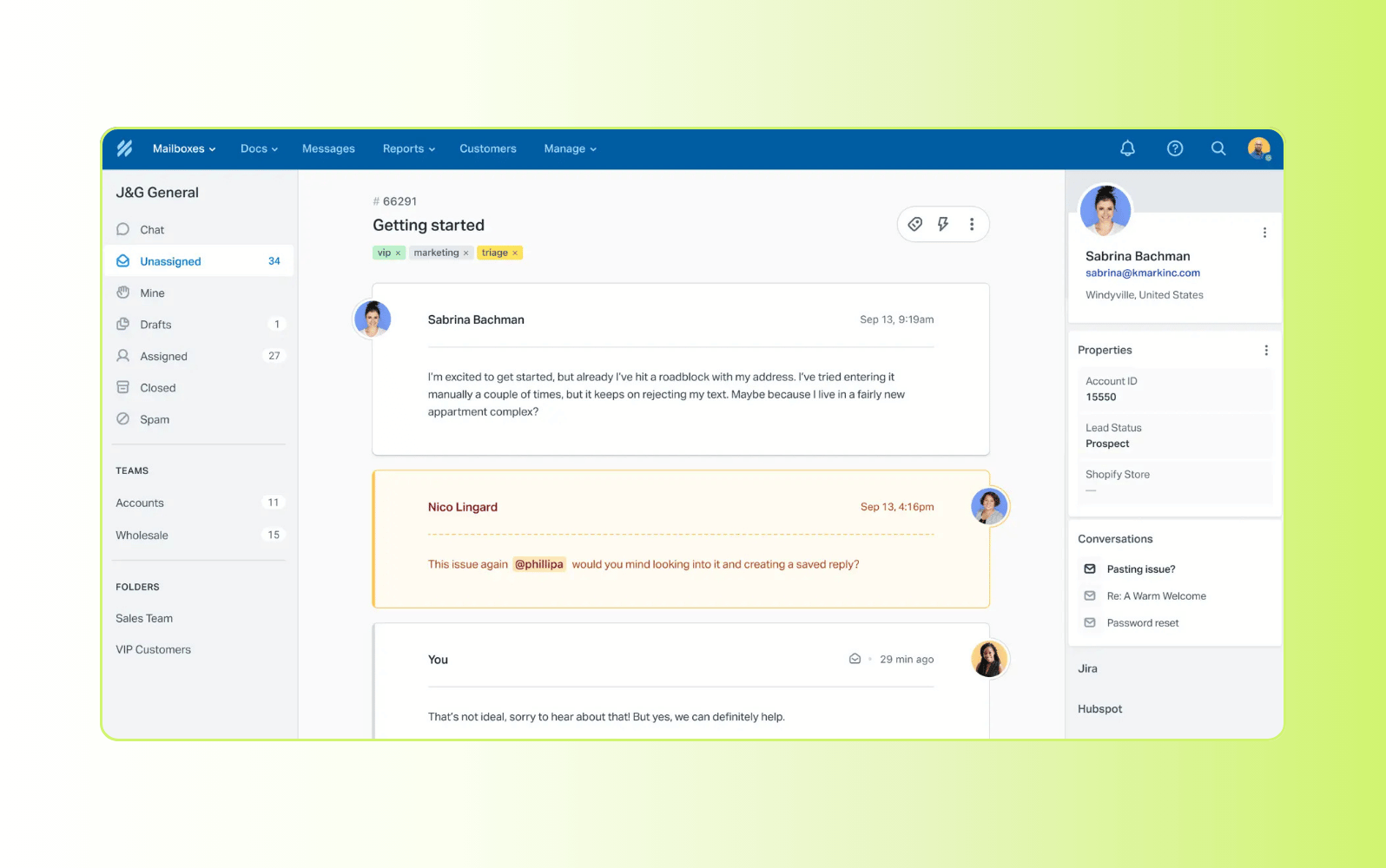
Designed for teams that prioritize simplicity and a human touch, Help Scout focuses on email-based support with a shared inbox model. It offers essential tools for managing conversations, organizing tickets, and delivering consistent responses without adding unnecessary complexity, making it a strong fit for smaller teams or those with straightforward support needs.
Its automation and knowledge base features help streamline basic workflows and reduce repetitive questions. The platform also provides reporting and collaboration tools to improve team visibility. However, more advanced automation and multi-step resolution capabilities are limited, making it less suited for complex or high-volume support environments.
|
Pros |
Cons |
|
|
What people are saying:
- "Great for tracking tickets, but CRM integration is missing" - Verified user, G2.
- "I like how simple it is to use to create help docs. Sometimes I wish it had more advanced functionality" - Verified user, G2.
- "Easy to use, occasional lag but resolved quickly" - Verified user, G2.
Learn more: Compare Zendesk vs. Help Scout.
5. Front
Best for shared inbox collaboration
|
Starting price |
Free trial |
Key features |
|
$25 per user/month |
14 days |
|
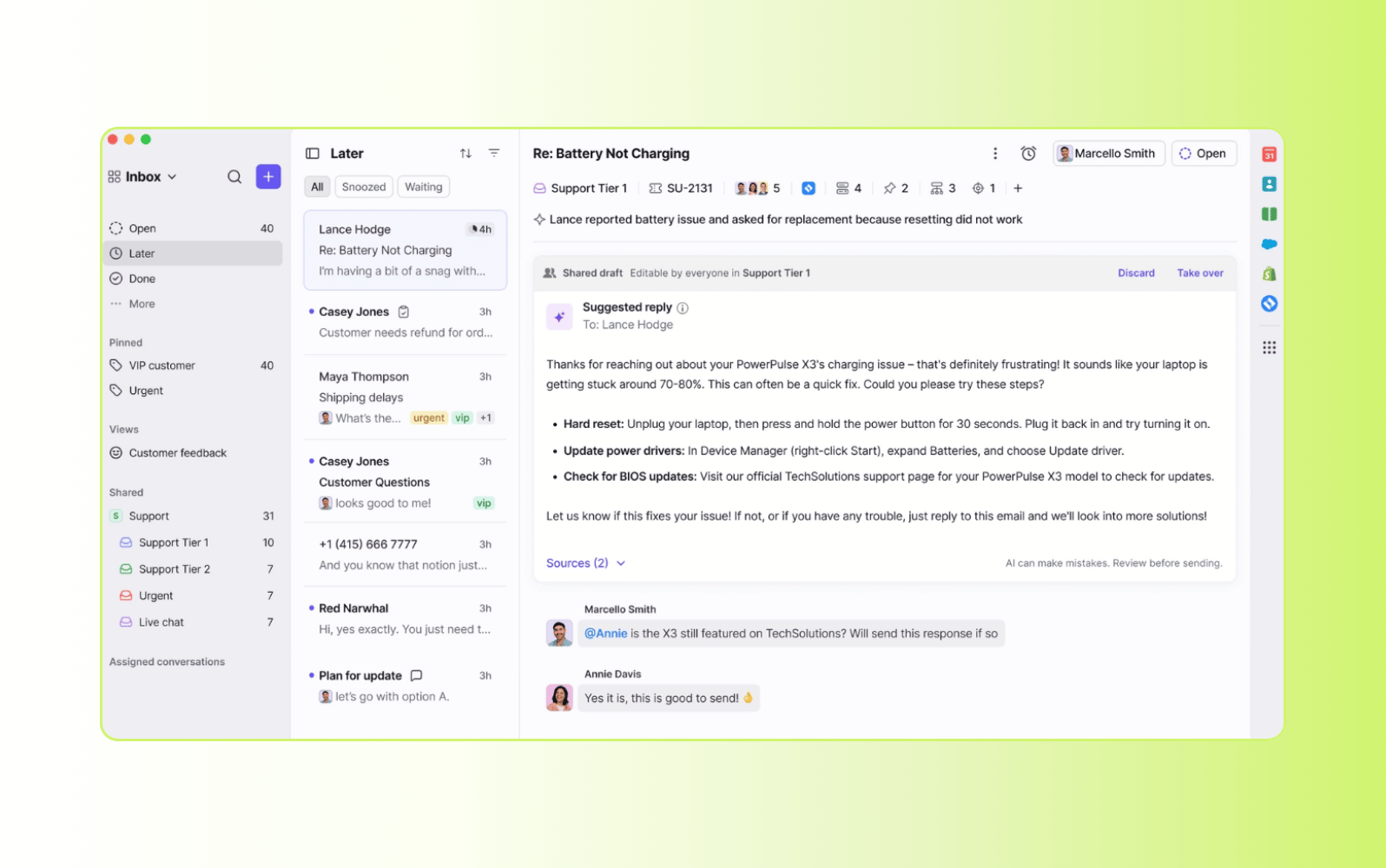
Focused on team collaboration, Front combines shared inbox functionality with communication tools to help teams manage customer conversations together. It centralizes email, chat, and messaging into a single interface, making it easier to assign, discuss, and track customer interactions across teams and channels.
Its strengths lie in enabling teams to collaborate efficiently and maintain visibility across conversations. The platform also integrates with CRM and productivity tools to support coordination. However, it relies heavily on manual processes and integrations for deeper automation and end-to-end resolution workflows, which can limit its ability to handle more complex support scenarios at scale.
|
Pros |
Cons |
|
|
What people are saying:
- "Convenient but error-prone, needs reliability improvements." - Verified user, G2.
- "Great product but too expensive and oppressive one year mandatory contracts" - Verified user, G2.
- "Great solution for handling external communication internally" - Verified user, G2.
Learn more: Compare Zendesk vs. Front.
6. Lorikeet
Best for multi-step workflows
|
Starting price |
Free trial |
Key features |
|
$1,500 per month (paid annually) |
Unavailable |
|
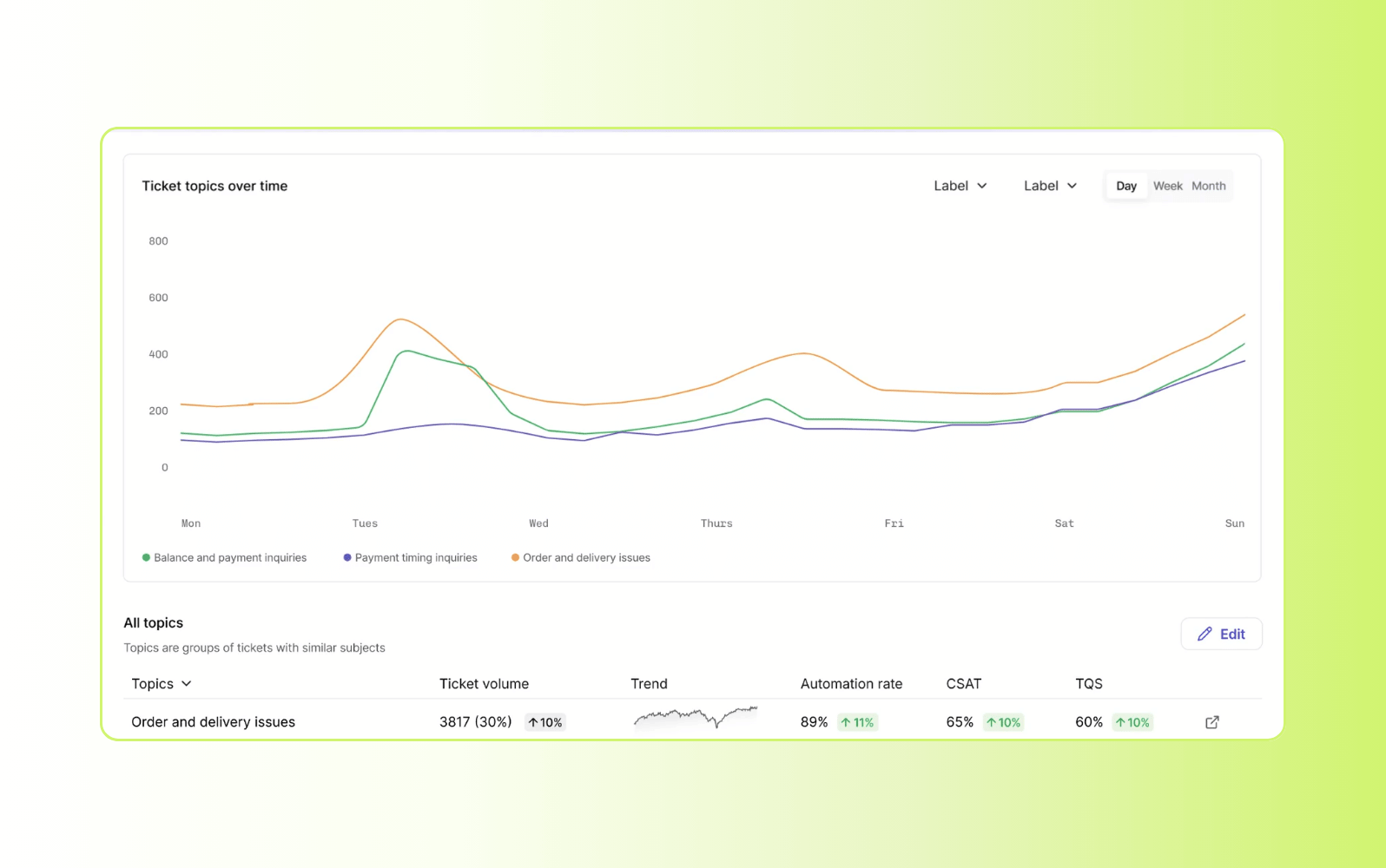
Built with an AI-first approach, Lorikeet focuses on automating customer interactions using natural language processing and machine learning. It is designed to reduce manual effort by handling common support requests and streamlining repetitive workflows, making it suitable for teams prioritizing automation from the outset.
Its automation capabilities can improve efficiency for high-volume, repetitive queries. The platform also supports intent detection and workflow execution to handle standard requests more quickly. However, resolving more complex, multi-step issues may require additional tooling or human intervention, depending on the use case and level of customization.
|
Pros |
Cons |
|
|
7. Gladly
Best for conversation-led retail support
|
Starting price |
Free trial |
Key features |
|
Custom pricing |
Unavailable |
|
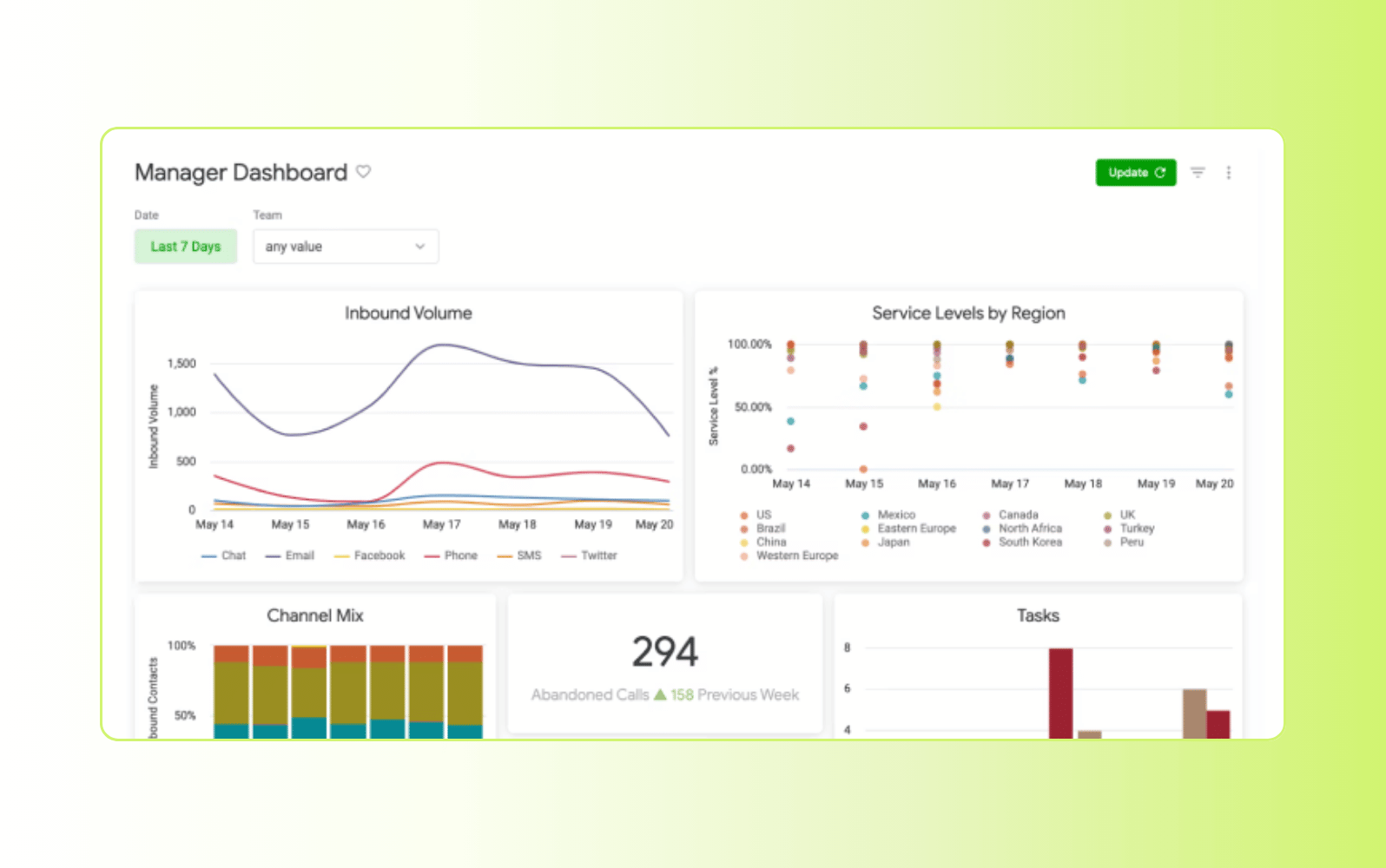
Designed for retail and ecommerce brands, Gladly organizes customer interactions around people rather than tickets. It provides a unified conversation timeline across channels, allowing agents to see the full history of each customer interaction and maintain continuity across touchpoints.
This approach supports more personalized service and stronger context during interactions. The platform also integrates voice, chat, and messaging to centralize conversations in one place. While it improves visibility and customer experience, the emphasis is less on automation and complex workflow execution, which can limit its ability to support end-to-end resolution at scale.
|
Pros |
Cons |
|
|
What people are saying:
- "Keeps every customer conversation tracked without the chaos" - Verified user, G2.
- "Great for customer history, needs AI improvements" - Verified user, G2.
- "Good customer and agent experience with room to grow" - Verified user, G2.
Learn more: Compare Zendesk vs, Gladly
8. Gorgias
Best for ecommerce customer support
|
Starting price |
Free trial |
Key features |
|
$10 per agent/month |
7 days |
|
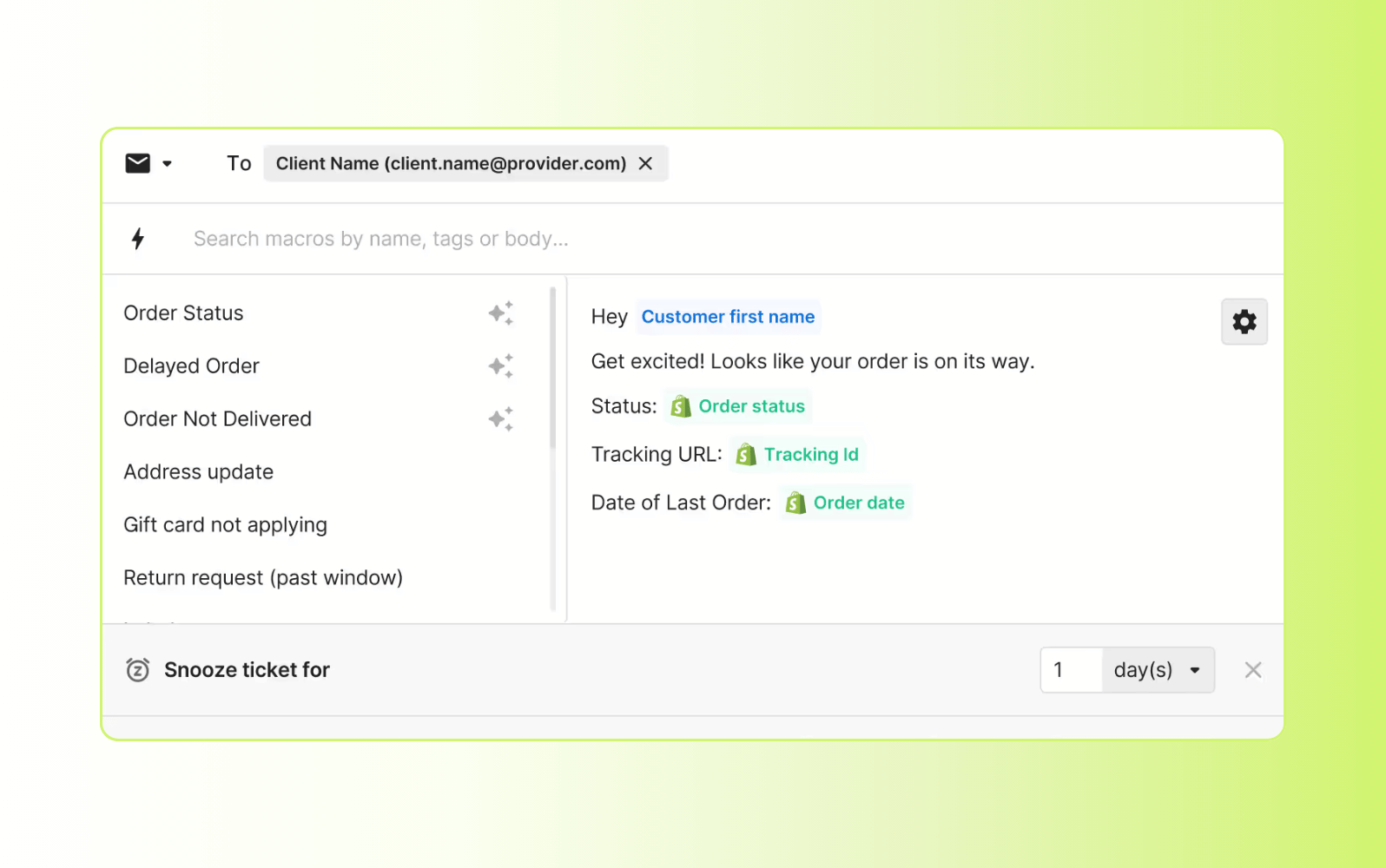
Built for ecommerce brands, Gorgias connects customer support with order data and sales channels. It centralizes interactions across email, chat, and social platforms, while integrating directly with ecommerce systems to provide real-time order context and streamline support workflows.
Its automation features help resolve common requests like order status, returns, and cancellations without agent involvement. The platform also supports basic workflow automation and reporting to improve efficiency. While effective for ecommerce use cases, its capabilities are more specialized and may require additional tools to support broader, more complex workflows or end-to-end resolution across multiple systems.
|
Pros |
Cons |
|
|
What people are saying:
- "Streamlined Customer Service with Easy Setup." - Verified user, G2.
- "Essential Analytics with Room for UI Improvements" - Verified user, G2.
- "What we value most is how deeply it integrates with Shopify" - Verified user, G2.
Learn more: Compare Zendesk vs. Gorgias.
Features of resolution-focused AI customer service software
Resolution-focused AI customer service software is defined by the capabilities that improve how quickly and effectively teams resolve issues. These features go beyond basic automation, directly impacting resolution rate, first contact resolution, and overall efficiency.
AI agents for autonomous issue resolution
AI agents resolve customer issues end-to-end by responding to requests, taking action, and completing workflows without escalation. Unlike traditional chatbots, they don’t just respond—they execute tasks across systems to fix the problem in a single interaction.
Key capabilities include:
- Resolving requests instantly across channels, 24/7
- Executing actions like refunds, updates, or account changes
- Using customer context to avoid repeat questions
- Supporting multiple languages without routing delays
These capabilities increase resolution rates, reduce escalations, and deliver faster, more consistent experiences that drive higher customer satisfaction (CSAT) scores
Voice support for complex issue resolution
Voice remains critical for resolving complex or high-stake customer issues that require speed, clarity, and human context. While AI handles routine requests, voice communication is important when problems need real-time discussion and immediate resolution
AI enhances voice by giving agents instant access to customer context, history, and relevant information during calls. It also reduces post-call work with automatic summaries and transcripts, so agents can move quickly to the next issue.
These capabilities reduce average handle time, improve resolution accuracy, and ensure complex issues are resolved quickly, without repeated interactions.
Quality assurance for consistent resolution outcomes
Quality assurance ensures every interaction meets your resolution standards in real time, not just after the fact. Instead of reviewing a small sample of tickets, AI-powered QA monitors every conversation across agents, channels, and AI interactions
It automatically scores interactions, detects risks like unresolved issues or negative sentiment, and surfaces gaps for improvement. This empowers teams to correct problems faster, maintain consistent quality, and prevent poor experiences before they escalate
By continuously monitoring and improving performance, AI-powered QA increases resolution accuracy, reinforces customer trust, and delivers more consistent outcomes at scale
AI Copilot for faster agent-led resolution
AI Copilot accelerates resolution by guiding agents with real-time recommendations, next best actions, and decision support. It works across voice, live chat, and messaging, helping agents resolve issues faster and with greater confidence.
Beyond guidance, AI Copilot takes action by executing workflows, retrieving knowledge, and generating responses based on each customer’s context. This reduces manual effort and allows agents to complete more issues in a single interaction.
By combining guidance with action, AI Copilot improves resolution accuracy, increases first contact resolution, and delivers more consistent customer experiences.
Analytics and insights for continuous resolution improvement
AI-powered analytics turn customer interactions into actionable insights that improve resolution performance over time. Instead of tracking surface-level metrics, modern platforms identify bottlenecks, detect recurring issues, and highlight what’s preventing problems from being resolved quickly
Key capabilities include:
- Customer sentiment analysis to detect frustration and escalation risk
- Agent performance metrics tied to resolution speed and quality
- Advanced analytics to uncover root causes of repeat issues
- Automated reporting for real-time visibility into performance
- Integrations that connect data across systems for a complete view
These insights enable CX teams to refine workflows, improve knowledge gaps, and optimize automation strategies. Over time, this increases resolution rates, reduces repeat contracts, and drives continuous improvement across the entire support operation.
Topic and sentiment detection for accurate issue resolution
AI detects customer topics, sentiment, and language to ensure customer issues are understood and acted on immediately. Instead of relying on manual interpretation, it identifies urgency, context, and customer needs from the first interaction
This enables faster routing, accurate prioritization, and more relevant responses across channels. By reducing misclassification and delays, teams can resolve issues faster and avoid unnecessary escalations.
Intelligent routing and triage for faster issue resolution
Traditional ticketing systems route requests based on basic rules, often leading to delays or misrouted issues. Modern AI-powered platforms go beyond static workflows, using intelligent routing to ensure every request reaches the right place immediately. This reduces bottlenecks and accelerates resolution from the first interaction.
Key capabilities include:
- Detecting and categorizing incoming requests based on topic and context
- Automating workflows to eliminate manual triage
- Routing tickets to the most qualified agent or system based on skills and availability
- Prioritizing issues based on urgency, sentiment, and business impact
- Coordinating across channels to maintain consistent handling
These capabilities reduce misrouting, improve first contact resolution, and ensure issues are resolved faster without unnecessary handoffs. Learn more about how modern technology is evolving to support AI-driven service.
AI-powered knowledge for high-quality issue resolution
An AI-powered knowledge base ensures every interaction is grounded in trustworthy, up-to-date information. Instead of acting as a static repository, it serves as the foundation that AI agents and support teams use to resolve issues quickly and correctly.
Modern platforms use generative AI and search to surface the right answers instantly across channels. They also identify outdated or missing content based on real interactions, helping teams continuously improve coverage and accuracy.
By keeping knowledge current and connected, businesses reduce repeat questions, increase first contact resolution, and deliver more reliable outcomes at scale.
Benefits of using resolution-focused AI customer support tools
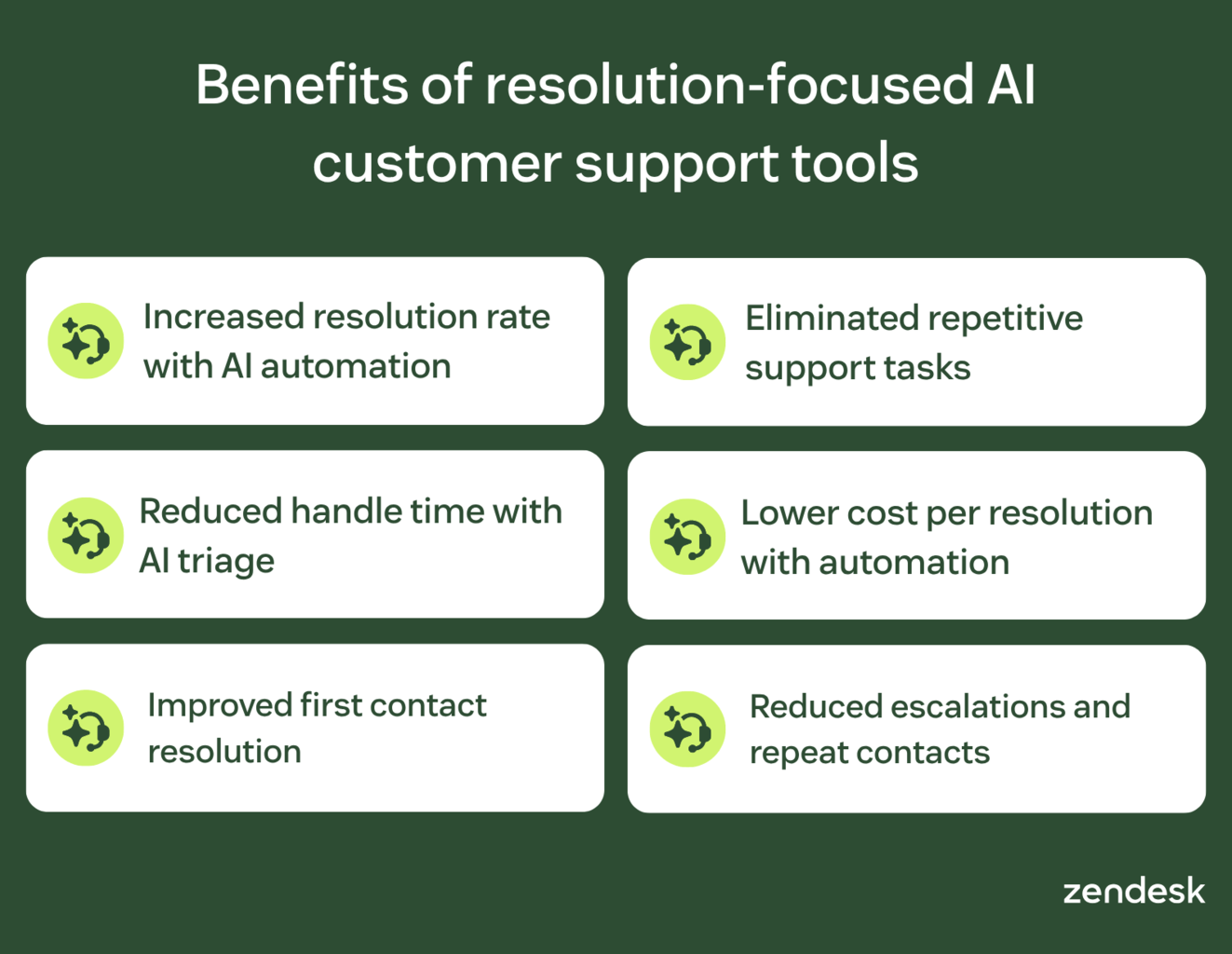
Resolution-focused AI customer support tools improve how quickly and effectively teams resolve issues. They drive measurable outcomes like faster resolution times, higher first contact resolution, and lower cost per resolution.
These platforms enable:
- Increased resolution rate with 24/7 autonomous issue resolution
- Reduced handle time and MTTR with AI triage and summarization
- Improved first contact resolution by solving issues in a single interaction
- Eliminated repetitive work so agents focus on complex, high-value resolutions
- Lower cost per resolution by automating routine requests and workflows
- Reduced escalations and repeat contacts with more complete, accurate resolutions
Together, these improvements create faster, more reliable support experiences while reducing operational costs.
How to choose the right resolution-focused AI customer service solution
Choosing the right platform starts with one question: how well can it resolve customer issues end-to-end? Not all AI customer service tools deliver the same level of resolution performance, and many still rely on manual handoffs.
Use the steps below to evaluate solutions based on what drives faster resolutions, higher first contact resolution, and lower cost per resolution.
Step 1: Define your desired resolution outcomes
Start by defining what success looks like for your support operation. Many teams focus on automation goals like deflection, but resolution-focused platforms prioritize outcomes—whether issues are fully solved without follow-up.
Clarify whether you need autonomous resolution, agent-assisted resolution, or a blended model across both. Then, anchor your evaluation in measurable metrics like resolution rate, first contact resolution, and time to resolution.
This ensures you choose a platform based on its ability to solve customer issues—not just respond to them.
Step 2: Assess workflows, integrations, and channels
Next, evaluate how each platform fits into your existing workflows, systems, and support channels. Resolution depends on how well tools connect data, automate processes, and move issues across systems without friction.
Look for platforms that support intelligent routing, workflow automation, and unified customer profiles across channels. This ensures every interaction has the context needed to resolve issues quickly and accurately.
Without strong integrations and workflow orchestration, even advanced AI tools will struggle to deliver seamless, end-to-end resolution.
Step 3: Evaluate scalability, governance, and cost
Choose a platform that can scale with your support volume without increasing complexity or risk. Resolution-focused systems must handle growing demand while maintaining service quality, SLA performance, and operational control.
Evaluate time to value, total cost of ownership, and how easily your team can manage workflows and AI logic. Focus on long-term cost per resolution, not just upfront pricing or automation rates.
Strong governance and flexible configuration ensure you can scale confidently, maintain compliance, and deliver consistent resolution outcomes as your business grows.
Step 4: Pilot solutions and match platform type
Test solutions on high-volume, repeatable use cases before committing to a full rollout. This helps you validate real improvements in resolution rate, speed, and cost under realistic conditions.
Compare how different platform types perform against your needs. Ticketing or conversation-based suites offer flexibility and integrations, while AI-native platforms prioritize automation and lower cost per resolution.
Use pilot results to choose the platform that best aligns with your resolution goals, operational complexity, and long-term scalability.
Frequently asked questions
Automate customer service with the Zendesk Resolution Platform
Resolution speed is now the defining factor in customer service performance. If your tools can’t resolve issues end-to-end, they create delays, handoffs, and rising support costs.
The Zendesk Resolution Platform brings AI, workflows, and data together to drive faster, more complete resolutions across every channel. It enables autonomous resolution, supports agents with real-time guidance, and continuously improves performance through connected insights. Try Zendesk for free to explore how a resolution-focused approach improves speed, cost, and consistency across your support operations.
Candace Marshall
Vice President, Product Marketing, AI and Automation
Candace Marshall is a seasoned product marketing leader with a passion for solving complex problems and driving innovation in fast-paced environments. Her career began in operations and research, but her love for understanding customers and translating insights into impactful strategies led her to product marketing. Currently, Candace leads product marketing for Zendesk AI including AI agents and Copilot, driving growth across AI-powered solutions and the core service offerings. Her team delivers end-to-end product marketing strategies, from market validation and messaging to go-to-market execution and customer adoption. Before joining Zendesk, Candace spent nearly a decade at LinkedIn, where she built and led the product marketing team for the rapidly scaling Marketing Solutions division, overseeing key advertising products in the multi-billion-dollar business.
Related AI customer service software guides
Learn more about customer service software